
Penguin Portal
What is the Penguin Portal?
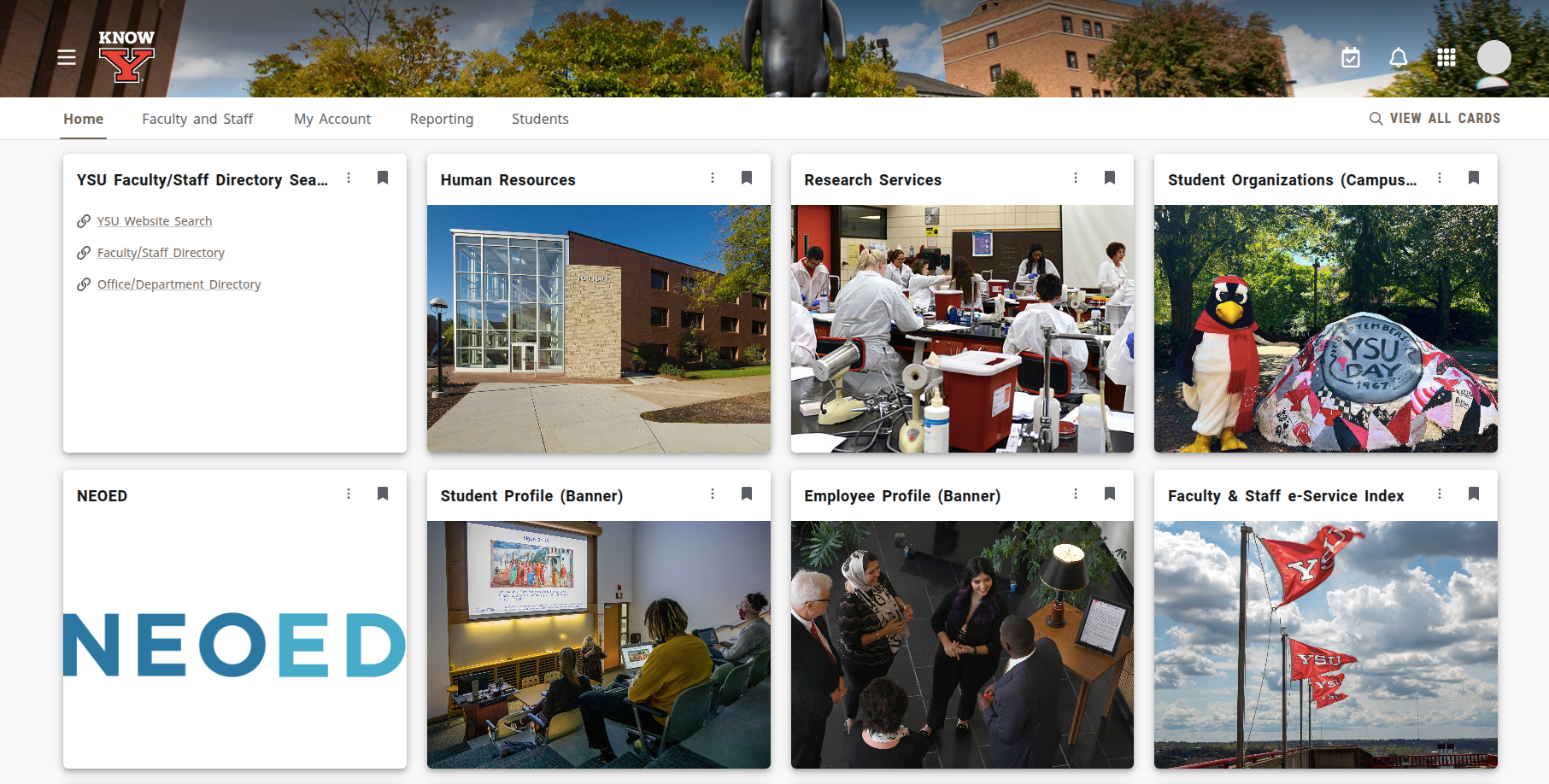
The Penguin Portal is a branded Youngstown State University information system that not only puts many of our institutions digital assets and resources in one location, but also enables YOU to customize the appearance of what you'd like to see on your own dashboard.
Why would I need the Penguin Portal?
Whether starting on your assignments, viewing grades, or working to support the University, a good first step is always logging into the Penguin Portal as a digital landmark for getting to your other online services and documents. From the Penguin Portal you can access:
- Your Grades
- Your YSU Employee / Student Account
- Advisement / Registration Information
- YSU Email and Cloud Storage (OneDrive)
Looking for the Penguin Portal?
You can give it a try by clicking the button below, and logging in using your YSU credentials.
What are other ways I Can get to the penguin portal?
- If you're on your computer, the icon pictured below will take you right there! You will find it in the upper right-hand corner of the website's header.
- Typing https://penguinportal.ysu.edu into your browser's address bar is also a shortcut that will take you to the Penguin Portal.
- If you are viewing this page from a computer screen and would like to access the Penguin Portal from your smart phone, follow Option #2 above or scan the QR code below using your phone's camera:


"Help I'm locked out and can't get in the Portal!"
- Are you having issues logging into your Penguin Portal account? This could indicate that there are issues with your YSU Account, and these issues need to be reviewed by YSU Information Technology Services. To submit a ticket with them and describe what you are experiencing, click the button below: